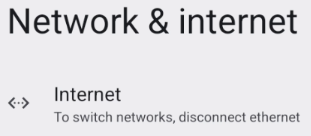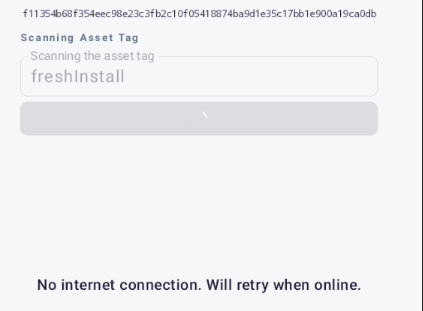
The “Ethernet” cable is disconnected.
Plug in the network cable.
The WiFi/Ethernet is disabled
Press the “Circle” button to navigate to the home screen
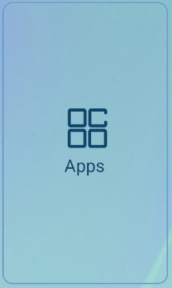
You may need to “Swipe” up from the bottom of the screenClick on the Menu button or “Apps”
Click on “Settings”
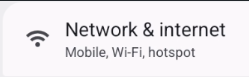
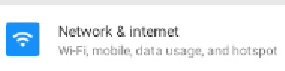
Locate “Network & internet”, “Internet” or “Ethernet”
Turn on the “WiFi” or “Ethernet”